

Downloads Plugin
org.opencast.paella.downloadsPlugin
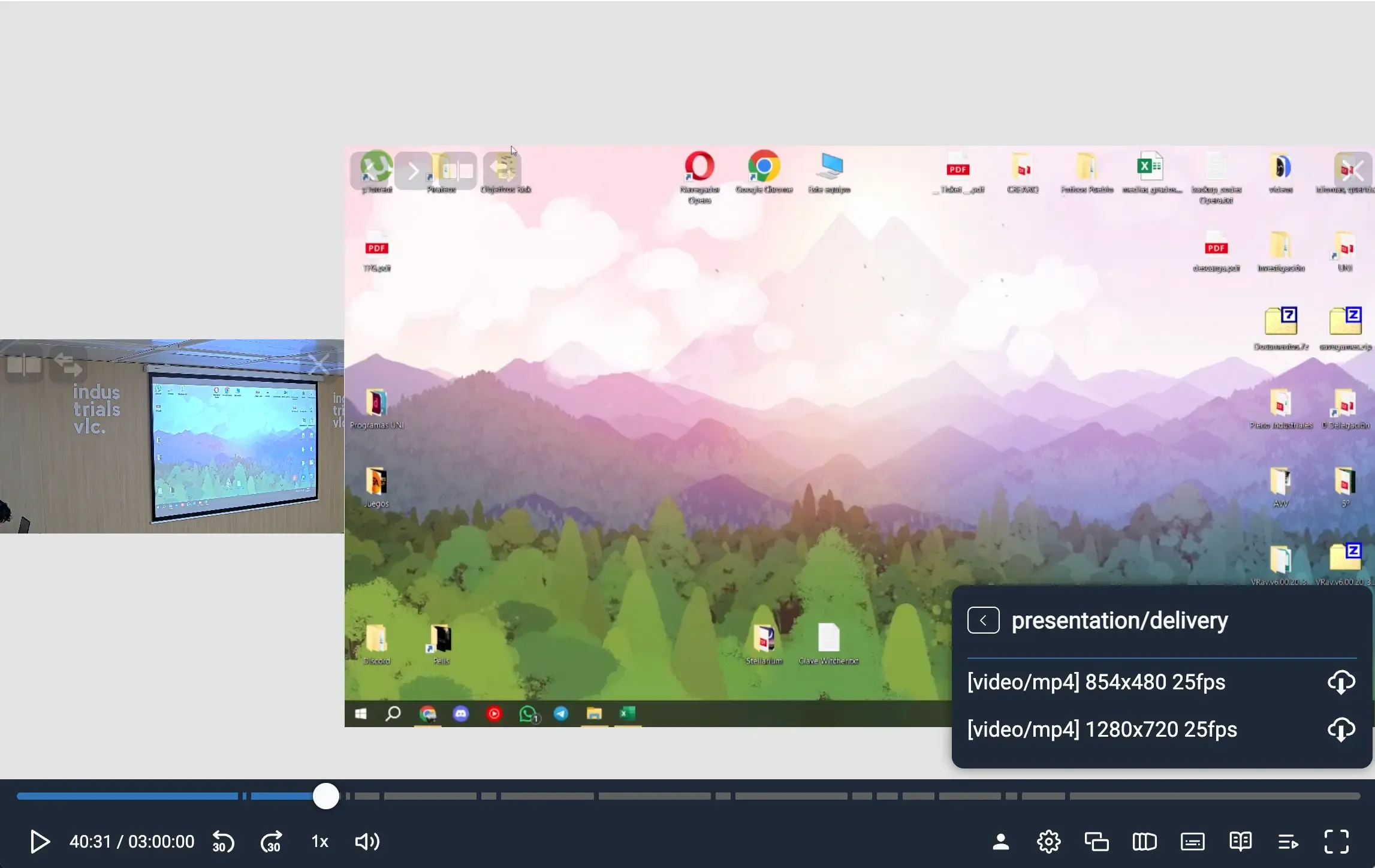
Section titled “org.opencast.paella.downloadsPlugin”This plugin adds a downloads button in the player interface that allows users to download video tracks and attachments. The plugin provides filtering options for tracks and attachments based on flavors, tags and MIME types.
Exported as OpencastDownloadsPlugin.
Configuration
Section titled “Configuration”You need to enable the org.opencast.paella.downloadsPlugin plugin.
{  "org.opencast.paella.downloadsPlugin": {    "enabled": true,    "parentContainer": "settingsGroup",    "side": "right",    "order": 50,    "tracks": {        "downloadFlavors": false,        "downloadTags": false,        "downloadMimeTypes": ["audio/m4a", "video/mp4", "text/vtt"]    },    "attachments": {        "downloadFlavors": [],        "downloadTags": false,        "downloadMimeTypes": false    },
    "enableOnLicenses": [        "CC-BY",        "CC-BY-SA",        "CC-BY-ND",        "CC-BY-NC",        "CC-BY-NC-SA",        "CC-BY-NC-ND",        "CC0"    ],    "enableOnWritePermission": true  }}
Configuration parameters
Section titled “Configuration parameters”-
enabled: Enables or disables the plugin.- Valid values:
true/false
- Valid values:
-
enableOnLicenses: Array of licenses that enable the plugin. If specified, the plugin will only be enabled for videos with these licenses.- Example:
["CC-BY", "CC-BY-SA", "public-domain"]
- Example:
-
enableOnWritePermission: Iftrue, enables the plugin only for users with write permissions.- Valid values:
true/false - Default:
false
- Valid values:
Track filtering (tracks object)
Section titled “Track filtering (tracks object)”-
groupByFlavor: Groups download options by flavor.- Valid values:
true/false
- Valid values:
-
downloadFlavors: Array of track flavors to include in downloads.- Example:
["presenter/delivery", "presentation/delivery"]
- Example:
-
downloadTags: Array of tags that tracks must have to be downloadable.- Example:
["mobile", "web", "archive"]
- Example:
-
downloadMimeTypes: Array of MIME types to include in downloads.- Example:
["video/mp4", "audio/mp3", "audio/wav"]
- Example:
Attachment filtering (attachments object)
Section titled “Attachment filtering (attachments object)”-
groupByFlavor: Groups download options by flavor.- Valid values:
true/false
- Valid values:
-
downloadFlavors: Array of attachment flavors to include in downloads.- Example:
["attachment/notes", "attachment/slides"]
- Example:
-
downloadTags: Array of tags that attachments must have to be downloadable.- Example:
["notes", "slides", "transcript"]
- Example:
-
downloadMimeTypes: Array of MIME types to include in downloads.- Example:
["application/pdf", "text/plain", "application/vnd.openxmlformats-officedocument.presentationml.presentation"]
- Example:
Behavior
Section titled “Behavior”The plugin visibility depends on:
- License checking: If
enableOnLicensesis configured, the video must have one of the specified licenses - Write permissions: If
enableOnWritePermissionistrue, the user must have write permissions - Available content: The plugin is only shown if there are downloadable tracks or attachments after filtering
Functionality
Section titled “Functionality”The plugin provides:
- Grouped downloads: Items are grouped by flavor for better organization
- Format information: Shows technical details like resolution, framerate, audio channels
- Caption downloads: Supports downloading caption files with language information
- Direct download: Click on any item to start the download immediately
Icon customization:
Section titled “Icon customization:”- Icon names:
buttonIcon